

Working with the Property grid
 Start
Start  Pro
Pro
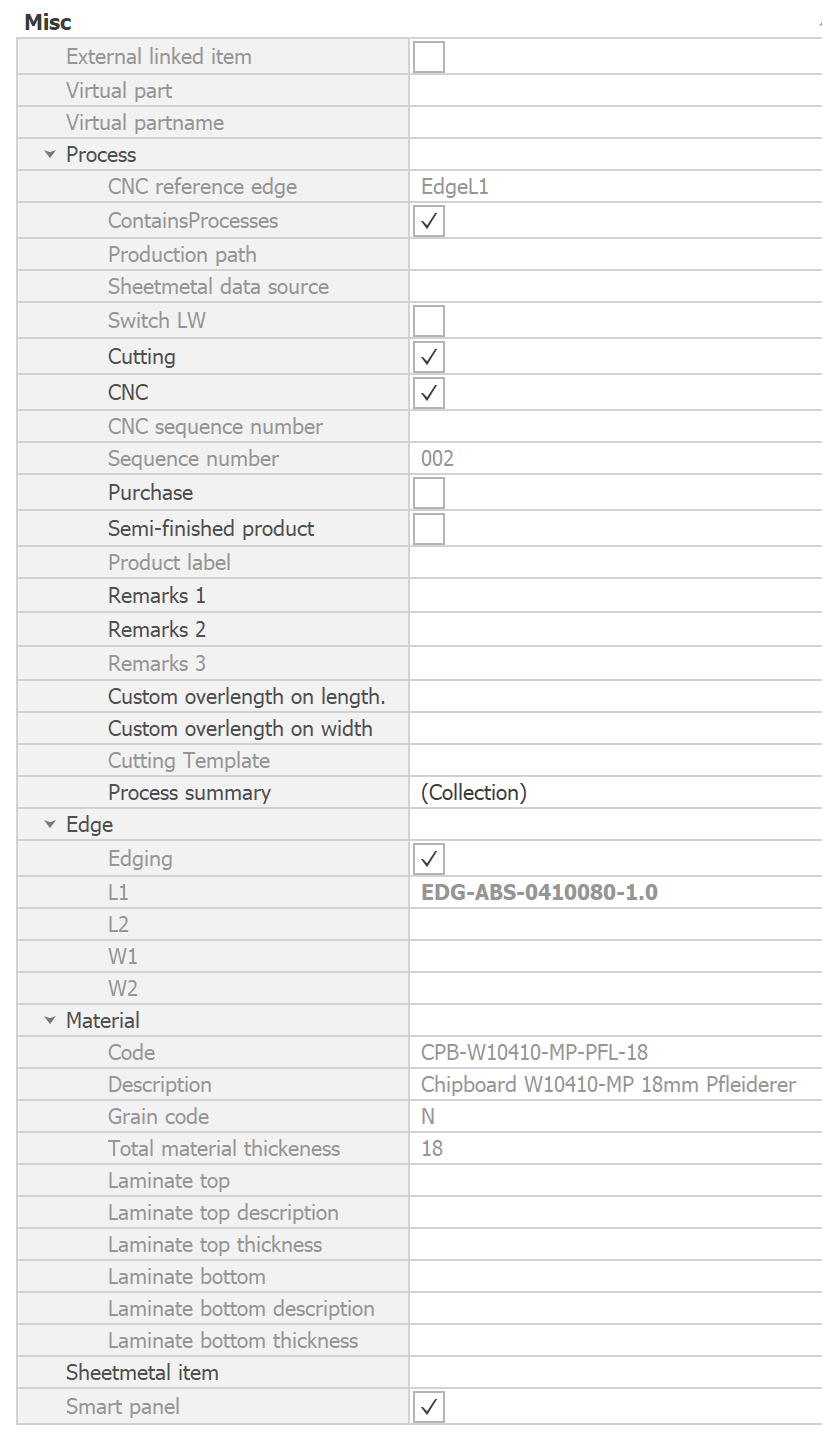
Egenskapsrutnätet visar information om objekt som valts ut i Para-Flex eller IronCAD. Panelen visar en samling av alla fält som kan visas i datarutnätet med hjälp av kolumnväljaren.
I princip går det inte att ändra fälten direkt i egenskapsrutnätet. Ett fåtal fält kan redigeras direkt, till exempel anmärkningar eller överlängd. Se nedan för mer information om dessa fält.
THE BASICS
This is a sample of the Propetry grid, based on having a panel selected. The fields shown depend on the version of Para-Flex used, so it might be some fields wil come to you whitin the near future.
Adding Remarks
Each item in Para-Flex can contain comments that are displayed in reports and other export files. The desired information can be entered in the corresponding fields of Remarks 1 and 2. ‘Remarks 3’ is reserved for CNC information and is therefore not available for custom input.
När du skriver in data i ett kommentarfält kan du använda ENTER-tangenten för att lägga till en ny rad i fältet. För att spara det du har skrivit och gå vidare till nästa fält klickar du helt enkelt på det nya fältet med musen.
Adding overlength
Custom overlength values can be added to an item in various ways. Using the corresponding overlength fields in the Property Grid is just one of the possibilities (see our FAQ page for all other options). With this feature, the entered values are added to the net length and width values of the item in IronCAD.
The gross values are exported to CSV files and can be displayed in reports. Please note that the output of the CAM export function corresponds to the geometry of your 3D model. See Export CNC for using overlength functions in combination with CAM export.
Using these fields, the added values only apply to the selected items. Information about overlength for all parts used or, for example, for laminate, can be found in the mentioned FAQ page.